Gimbals
A drone gimbal is a small motorised cradle that carries the camera and turns it against the aircraft's own movement, so the camera keeps pointing where you aimed it while the airframe tilts, rocks and vibrates around it. It is the single component that separates footage you can watch from footage you cannot, and it is mechanical: real motors on real bearings, driven by a sensor that measures the airframe's movement hundreds of times a second and cancels it. Everything a hobby machine does to hold a picture steady is either this, or a software imitation of it, or both together.
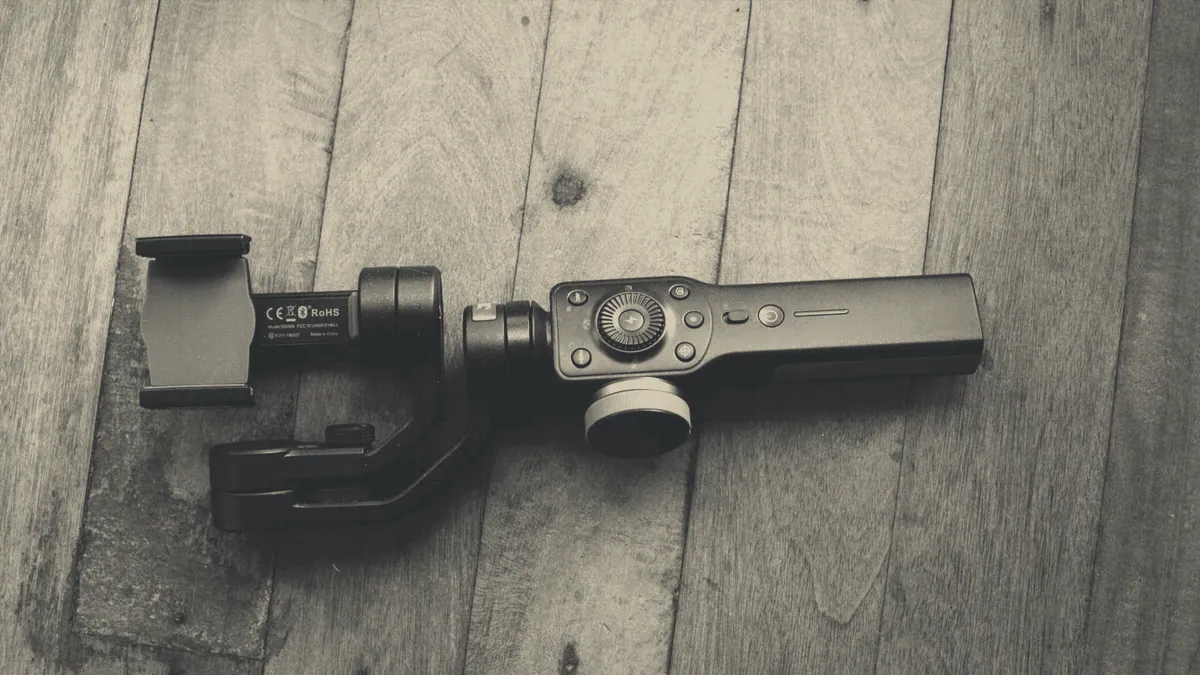
The three axes, and what each one is cancelling
A 3 axis gimbal moves the camera on 3 separate hinges, each driven by its own brushless motor, and each one cancels a different fault in the picture.
- Roll, which keeps the horizon level while the aircraft banks into a turn or leans into wind.
- Tilt, also called pitch, which holds the camera angle steady while the aircraft noses forward to accelerate.
- Pan, also called yaw, which smooths the rotation as the aircraft turns, and is the axis a two axis gimbal leaves out.
An inertial measurement unit inside the gimbal senses the movement and the motors answer it, which is why a gimbal draws current and why it makes a faint whirring noise on the bench. The camera itself sits in this cradle as a module, connected to the aircraft by a thin ribbon cable, and on most consumer machines the camera and the gimbal are a single sealed assembly rather than two parts you can separate.
Two axis against three axis, and what the missing motor costs
A 2 axis gimbal cancels roll and tilt and leaves pan to the airframe, which is a real saving in weight, cost and battery drain and a real loss in the picture. Turns look slightly loose, because the rotation arrives as a small step rather than a smooth sweep, and a machine correcting hard against a gust will show a horizontal twitch that a three axis unit would have absorbed. On a sub 250 gram machine the trade is often worth making, since the weight of the third motor is weight the whole design is fighting.
Where the two axis unit genuinely wins is on a small light machine flown mostly for stills. A photograph is one exposure, so pan smoothness never enters it, and the saved weight buys flight time that the picture does benefit from. For moving footage the third axis is the one you notice missing.
Mechanical stabilisation against electronic stabilisation
Mechanical and electronic stabilisation solve the same problem with opposite methods, and the cheaper machines use the electronic one because it costs nothing to fit.
| Question | Mechanical 3 axis gimbal | Electronic stabilisation |
|---|---|---|
| How it works | Motors physically move the camera to cancel movement | Software crops into the frame and shifts the crop between frames |
| Cost in picture quality | None, the full sensor is used | A crop, so field of view and detail are both reduced |
| Cost in weight | Motors, bearings and a heavier mount | Nothing, beyond processing |
| Handles a strong gust | Yes, within the limit of its travel | Poorly, and it may produce a rippling edge |
| Handles high frequency vibration | Partly, with rubber dampers doing the rest | Not at all, and it can make it look worse |
| Typically found on | Camera machines from the mid bands upward | Toy machines, small drones, and as a second layer on good ones |
The two are not rivals. A good camera machine runs a three axis gimbal and applies a light electronic pass on top, which is why its stabilised video mode has a slightly tighter field of view than its unstabilised one. Camera drones sold without any mechanical stabilisation are the ones whose footage rolls with the horizon, and no setting recovers that.
What a gimbal cannot fix
Five faults survive any gimbal, and knowing which is which saves buying a machine to solve a problem the machine also has.
- Flying too fast, because a gimbal steadies the frame and cannot slow the world going past it.
- High frequency vibration from a damaged propeller, which arrives as a rippling wobble in the picture called jello.
- Rolling shutter, a sensor behaviour that leans vertical objects when the camera pans 90 degrees in a second or two.
- Bad light, which is a photographic problem and belongs to exposure rather than to stabilisation.
- An unplanned change of direction mid clip, which is a flying fault, and the smoothest gimbal in the world records it faithfully.
The first and the last of those are the reason most footage disappoints, and they are covered in drone video rather than here. Drone photography leans on the gimbal differently, since a still image only needs the frame held for a fraction of a second.
Finding the cause when the picture shakes
To fix a shaking gimbal, work through the causes in this order, because the cheap ones are also the common ones.
- Check the propellers first, since a chipped, bent or unbalanced blade is behind most shaking, and a full set is the cheapest part on the aircraft.
- Remove the transport clamp, which every so often is left on and makes the motors fight a plastic cradle.
- Check the rubber dampers, four small mounts between the gimbal and the airframe, which perish, split and let vibration straight through.
- Take off any filter, because an unbalanced or badly seated filter loads one axis and produces a slow rocking.
- Run the gimbal calibration in the flight app with the aircraft level and still on the ground.
- Look for grit and grass seed in the joints, which a soft brush clears and a fingernail does not.
- Inspect the ribbon cable, since a snagged or partly torn ribbon produces intermittent jitter and eventually a motor error.
Shaking that survives all seven, or a gimbal reporting a motor overload at start up, is a repair rather than an adjustment. On sealed assemblies that usually means a replacement camera and gimbal module, which is the most expensive single part of a camera machine and sits in a price band close to a share of the aircraft itself.
Caution
Never carry the aircraft by the camera and never turn the gimbal by hand while it is powered. The motors are driven directly with no gearbox between them and the camera, so forcing an axis puts the load straight through the bearings and the ribbon cable. Fit the transport clamp before the machine goes into a bag, and remove it before the battery goes in.